Hasnivo Tech / Insights / reply to WhatsApp customers faster
reply to WhatsApp customers fasterHow to Reply to WhatsApp Customers Faster
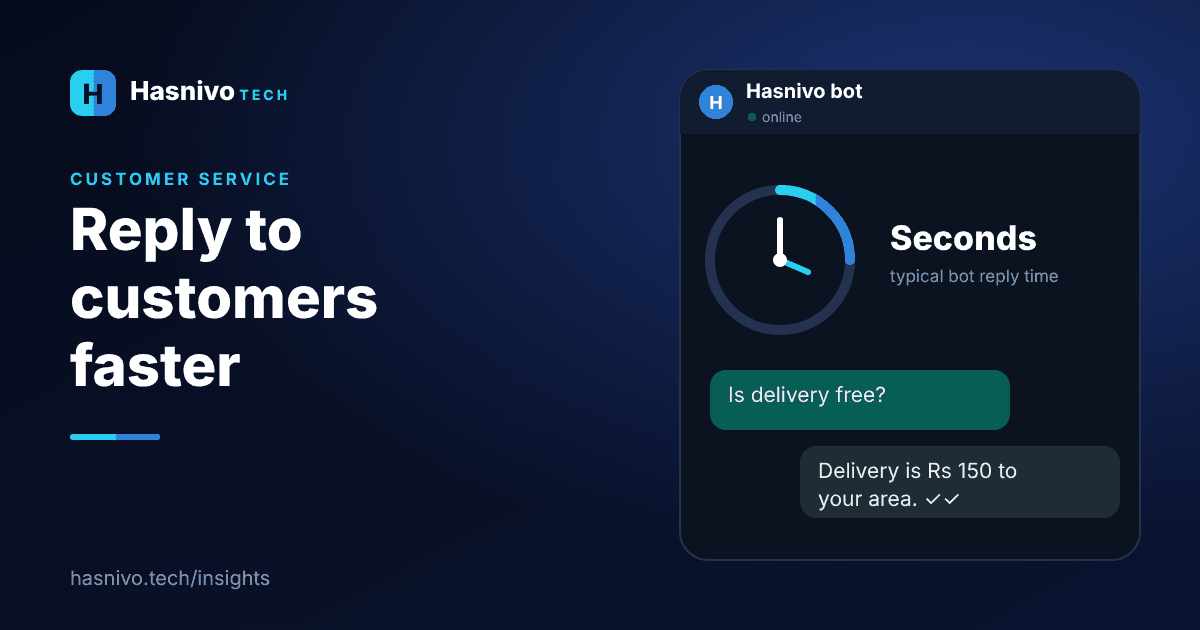
To reply to WhatsApp customers faster, list your repeat questions, write standard answers, let a chatbot handle them automatically, share one inbox across your team, cover after-hours messages and keep a person ready for the rest.
Why speed matters
A customer who waits for an answer often messages another business. Fast replies keep the sale, especially for food orders and bookings.
Seven tips
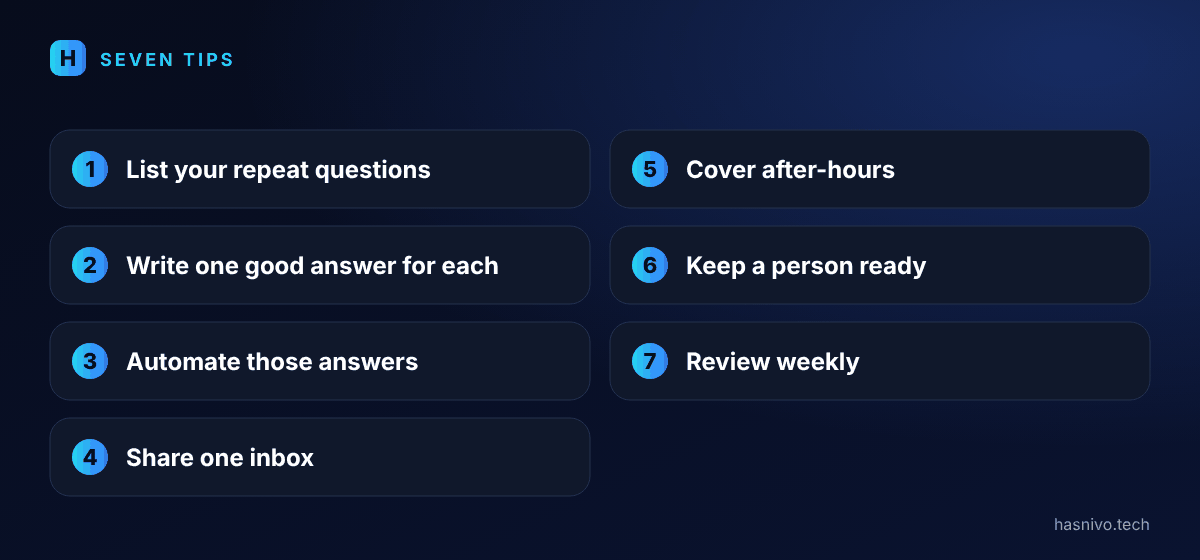
- List your repeat questions. Opening hours, location, prices and delivery areas usually cover most chats.
- Write one good answer for each. Keep it short and clear.
- Automate those answers. A chatbot sends them instantly, as in what is a WhatsApp AI chatbot.
- Share one inbox. Your team reads and replies on one number, not one person's phone.
- Cover after-hours. Let the bot answer at night and record orders or leads.
- Keep a person ready. Staff should be able to take over any chat.
- Review weekly. Add answers for new questions you notice.
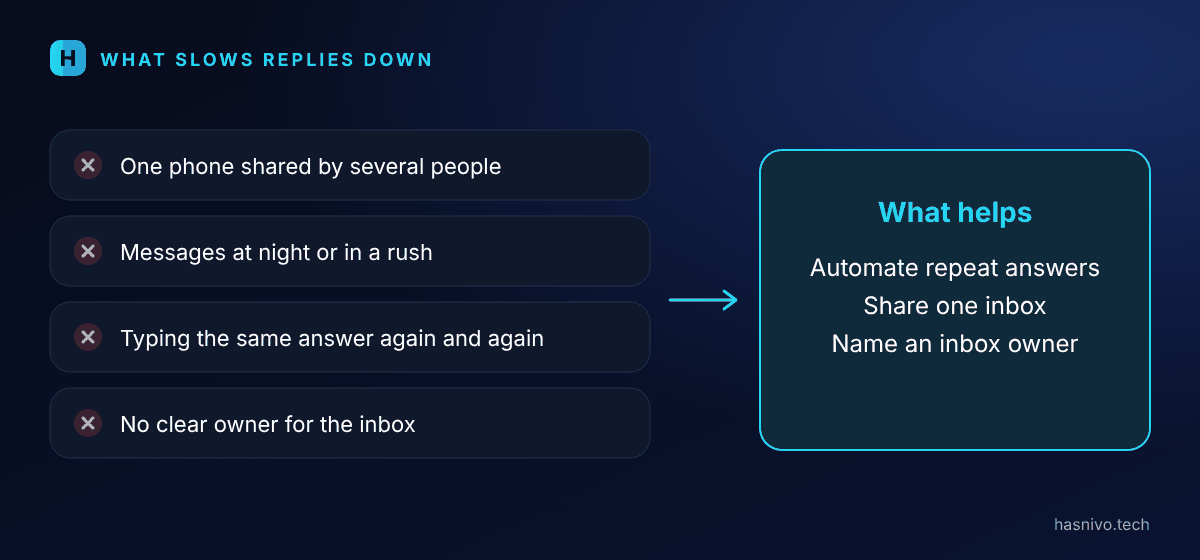
What slows replies down
- One phone shared by several people.
- Messages arriving at night or during a rush.
- Typing the same answer again and again.
- No clear owner for the inbox.
Set a response goal
Decide how quickly you want to reply, for example within a few minutes during business hours, and instantly for common questions through the bot. Check how you are doing every week and adjust.
Keep the tone simple
Short, friendly answers work best. Reply in the language the customer writes in, and put the key information, such as the price or the time, in the first sentence.
Where to go next
For restaurants, see how to take food orders on WhatsApp. For clinics and salons, see how to book appointments on WhatsApp automatically. To get started, read how to set up a WhatsApp chatbot.
- Answer repeat questions automatically.
- Use one shared inbox for the whole team.
- Cover after-hours messages.
Frequently asked questions
How fast should I reply to WhatsApp customers?
As fast as you can. A chatbot replies within seconds, any hour, and your team can follow up when a personal answer is needed.
Can my whole team use one WhatsApp number?
Yes. With a shared inbox, your team reads and replies together on one number.
What about messages at night?
The bot can answer, take an order or capture a lead while you are closed.
Keep reading
 WhatsApp auto reply vs chatbot
WhatsApp Auto Reply vs AI Chatbot
An auto reply sends the same fixed message to everyone, such as a greeting or an away note. An AI chatbot understands the question and answers it, and can take orders and bookings. Use an auto reply for simple greetings and a chatbot when customers ask varied questions.
 WhatsApp chatbot for small business Pakistan
WhatsApp Chatbot for Small Business in Pakistan
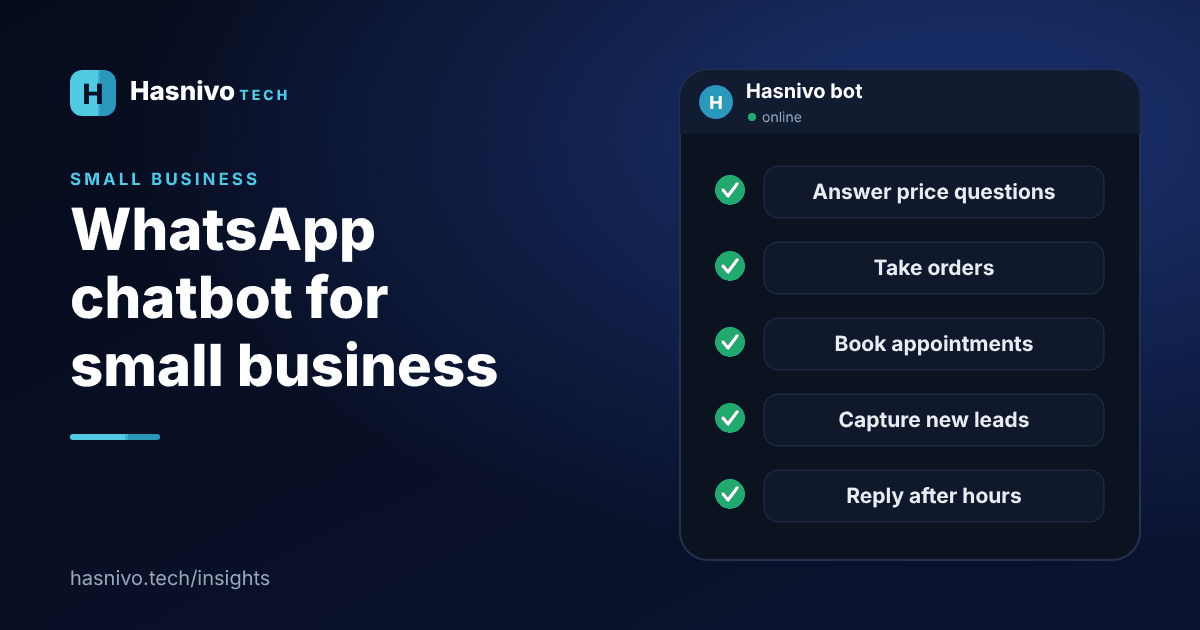
Small businesses in Pakistan can use a WhatsApp chatbot to answer price and timing questions, take orders, book appointments, capture leads, send reminders and reply after hours, all on the WhatsApp number customers already use.
 take food orders on WhatsApp
How to Take Food Orders on WhatsApp Automatically
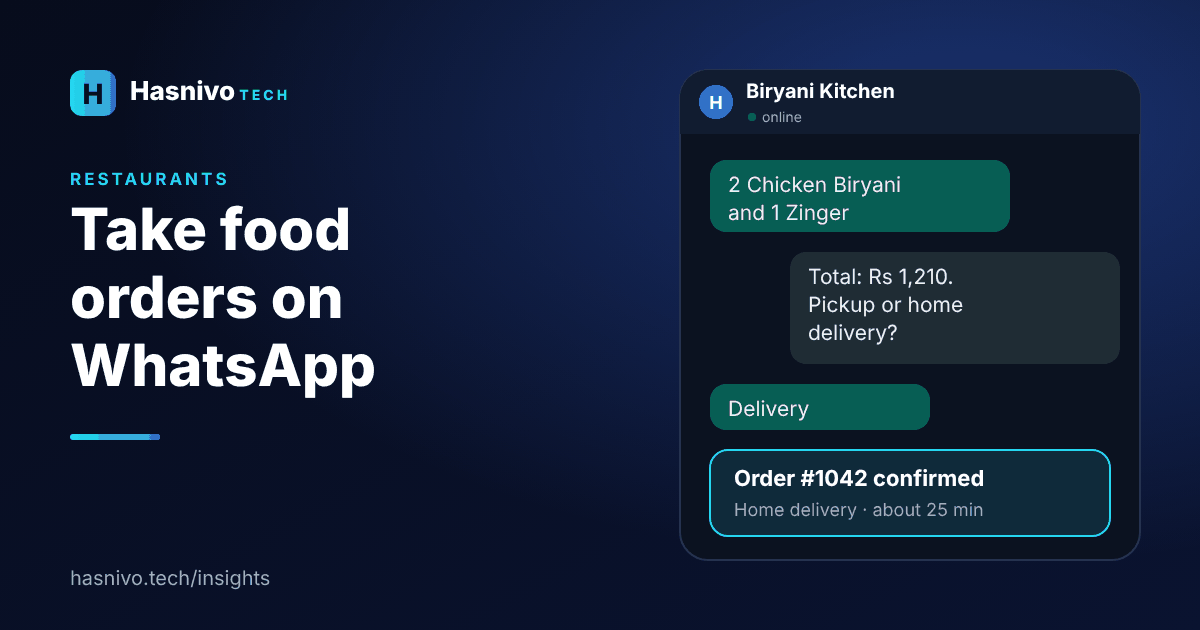
To take food orders on WhatsApp automatically, connect a chatbot to your business number, load your menu by category with prices, and let the bot collect items, quantity, pickup or delivery and the address, then confirm with an order number.
Ready to answer every customer on WhatsApp?
Request access and we will set up your account. The bot replies in the language your customer writes in.