Hasnivo Tech / Insights / WhatsApp chatbot for small business Pakistan
WhatsApp chatbot for small business PakistanWhatsApp Chatbot for Small Business in Pakistan
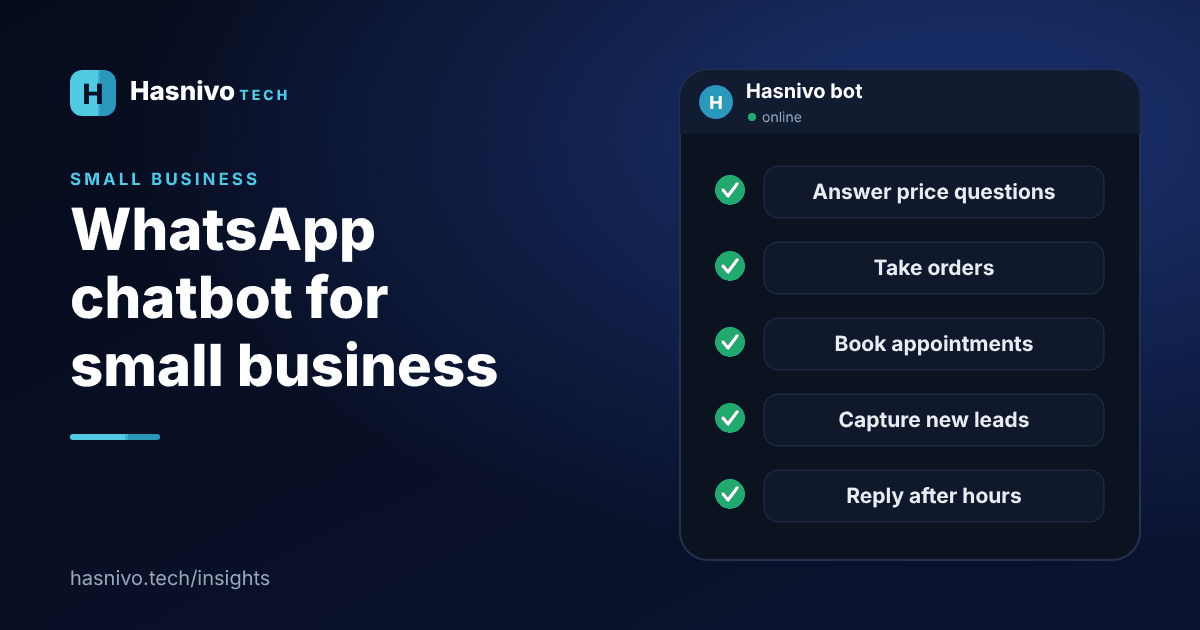
Small businesses in Pakistan can use a WhatsApp chatbot to answer price and timing questions, take orders, book appointments, capture leads, send reminders and reply after hours, all on the WhatsApp number customers already use.
Why WhatsApp first?
Most customers already message businesses on WhatsApp, so there is no new app to ask them to install. A chatbot meets them where they are. It is explained from the beginning in what is a WhatsApp AI chatbot.
Six practical uses
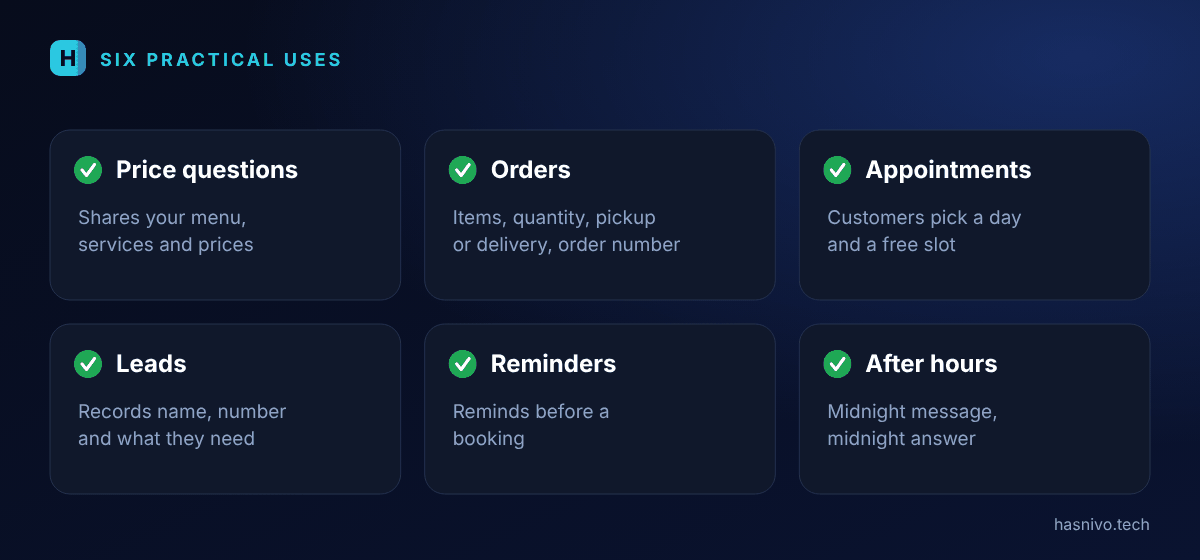
- Price and menu questions. The bot shares your menu, services and prices every time someone asks.
- Orders. It collects items, quantity, pickup or delivery and the address, then gives an order number.
- Appointments. Customers pick a day and a free slot in the chat.
- Leads. It records the name, number and what the customer needs, even at night.
- Reminders. It reminds customers before a booking, which helps with no-shows.
- After-hours replies. Customers who write at midnight get an answer at midnight.
Where should you start?
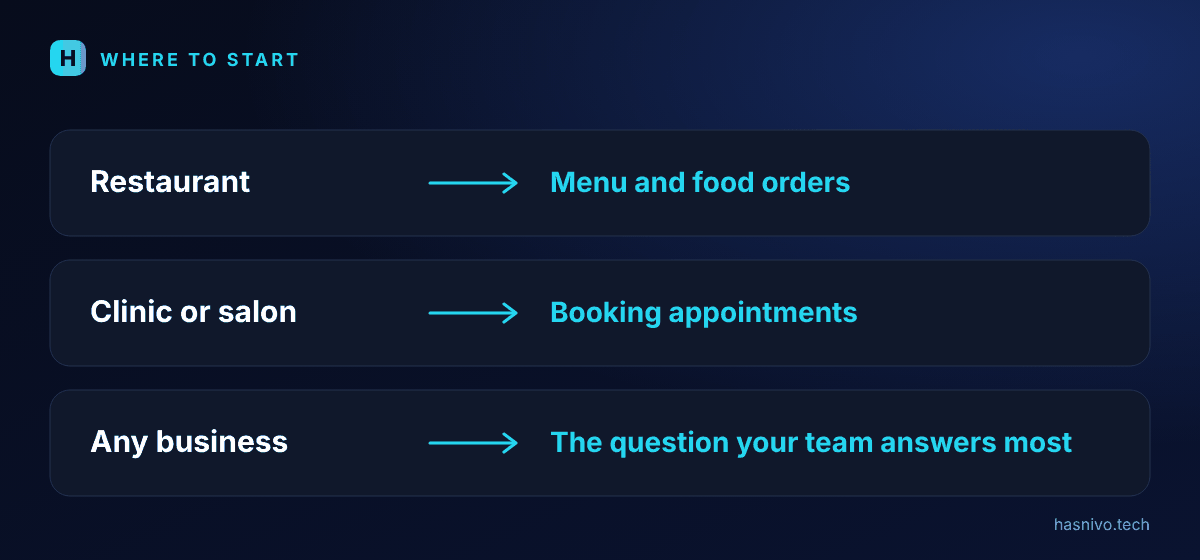
Start with the question your team answers most often. For a restaurant that is usually the menu, so read how to take food orders on WhatsApp. For a clinic or salon it is usually booking, so read how to book appointments on WhatsApp automatically.
Three examples
- A restaurant shares its menu, takes orders for pickup or delivery and gives each order a number.
- A clinic answers timings and fees, offers free slots and reminds patients before the visit.
- A salon shares services and prices, books a slot and sends a reminder.
Common worries
- "Customers will not like talking to a bot." Most customers want a fast, correct answer. Keep a person ready for anything personal.
- "It sounds too technical." You do not need technical skills. You request access, scan a QR code and add your information.
- "I will lose control." Your team shares one inbox, can read every chat and can pause the bot at any time.
How to tell if it is working
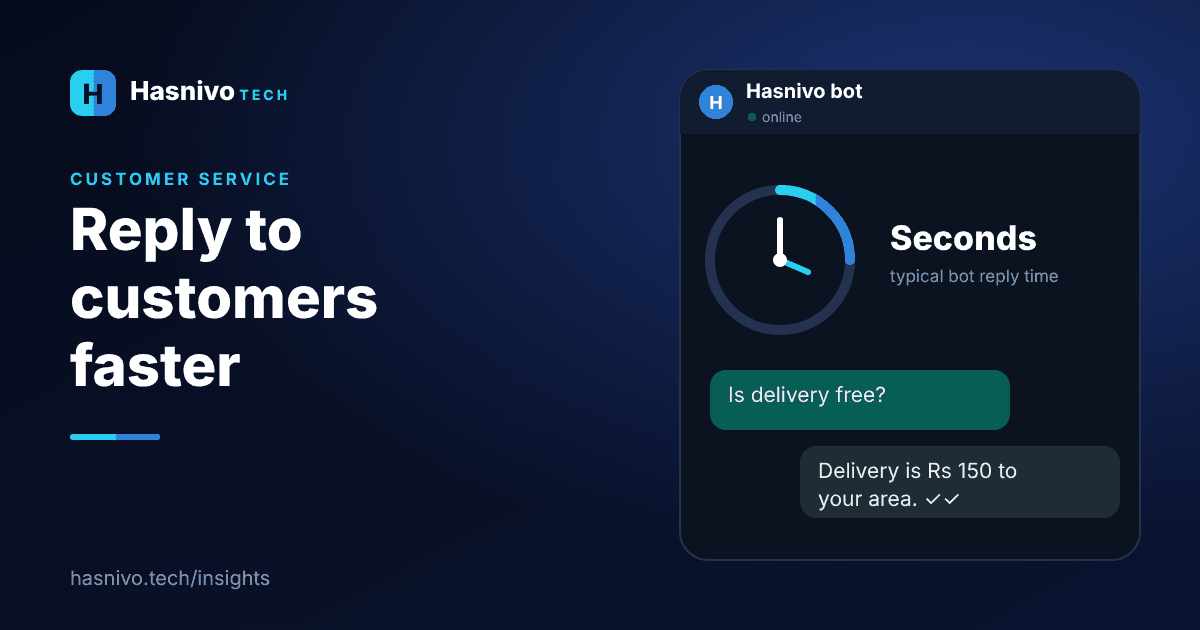
- Customers get an answer in seconds, including at night.
- Your staff type fewer repeat answers.
- More orders, bookings and enquiries are captured after hours.
- Fewer appointments are missed because reminders go out automatically.
What does it cost?
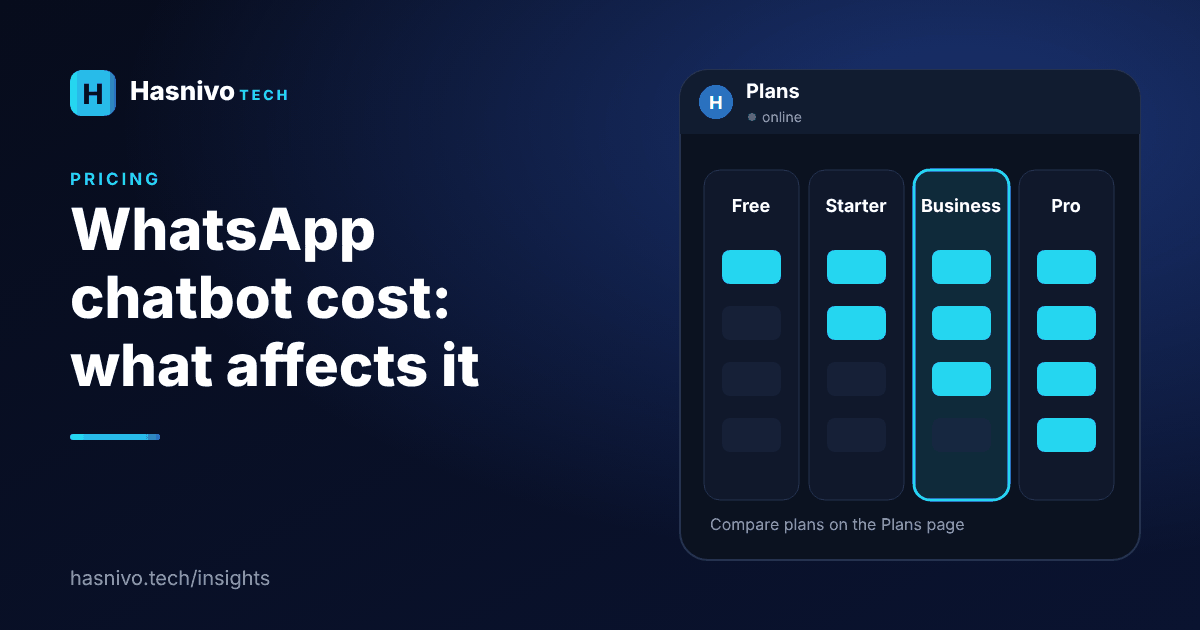
Costs depend on the plan and on how many numbers, contacts and messages you need. WhatsApp chatbot cost: what affects the price explains the factors, and the plans page shows current prices in rupees.
- Begin with your most repeated customer question.
- The bot works on the number customers already use.
- Orders, bookings, leads and reminders are the highest-value starting points.
Frequently asked questions
Can a small shop in Pakistan use a WhatsApp chatbot?
Yes. A shop can use it for price questions, orders and enquiries. You connect your existing business number by scanning a QR code.
Do I need technical knowledge?
No. You request access, we set up your account, and you scan a QR code to connect your number.
Is there a free plan?
Yes. There is a Free plan to try the bot on one number. See the plans page for what it includes.
Keep reading
 WhatsApp AI chatbot
What Is a WhatsApp AI Chatbot?
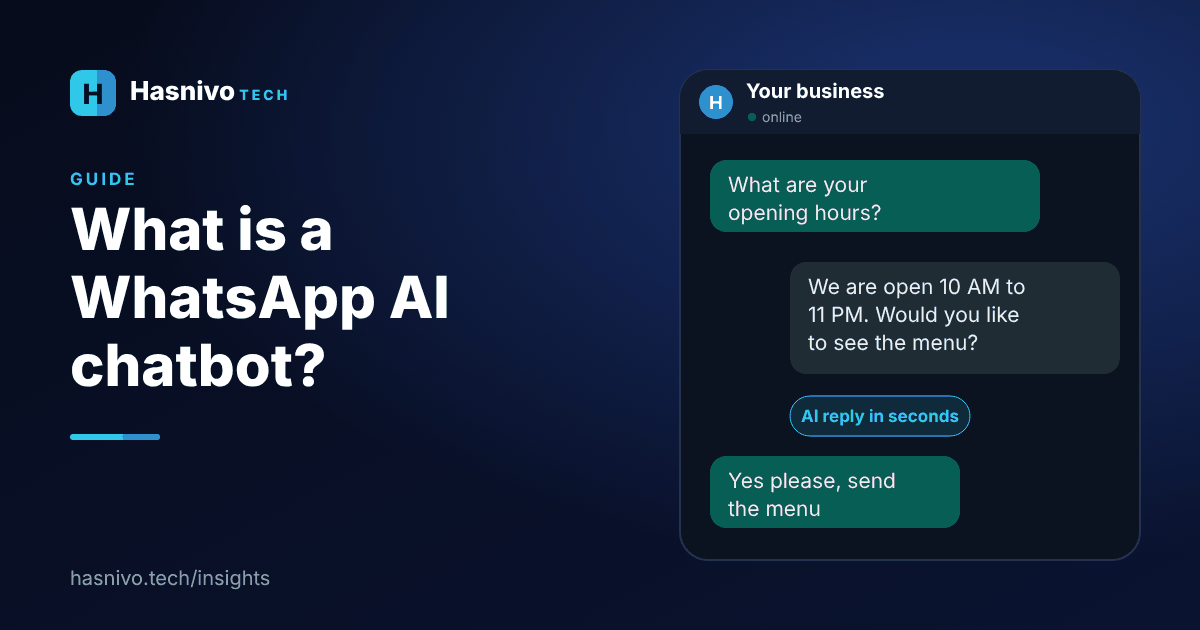
A WhatsApp AI chatbot is software connected to your business WhatsApp number. It reads each customer message, replies automatically using your own business information, and hands the chat to a person when needed.
 WhatsApp chatbot cost
WhatsApp Chatbot Cost: What Affects the Price
The price of a WhatsApp chatbot depends on the plan, how many WhatsApp numbers, contacts and messages you need, which features you use and whether you connect through the official Cloud API, where Meta may charge for some message types.
 reply to WhatsApp customers faster
How to Reply to WhatsApp Customers Faster
To reply to WhatsApp customers faster, list your repeat questions, write standard answers, let a chatbot handle them automatically, share one inbox across your team, cover after-hours messages and keep a person ready for the rest.
Ready to answer every customer on WhatsApp?
Request access and we will set up your account. The bot replies in the language your customer writes in.