Hasnivo Tech / Insights / appointment booking on WhatsApp
appointment booking on WhatsAppHow to Book Appointments on WhatsApp Automatically
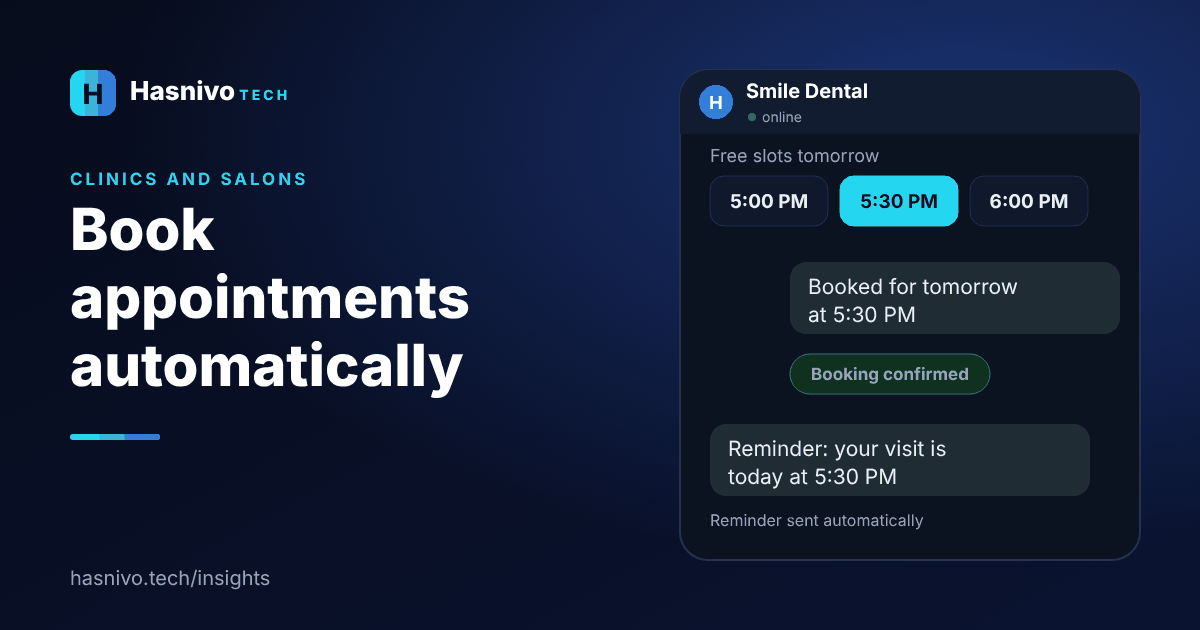
To book appointments on WhatsApp automatically, set your working hours once, let a chatbot offer only free slots, confirm the booking in the chat and send a reminder before the visit.
Step 1: Set your working hours once
Tell the system when you work and how long each service takes. From then on only free slots are shown, so double bookings stop.
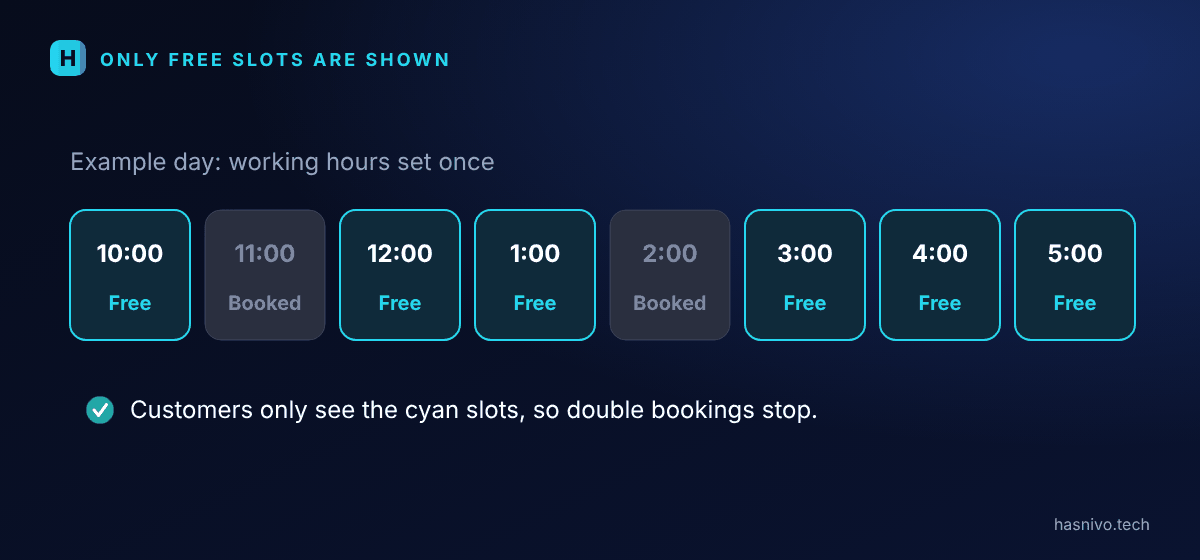
Step 2: Let customers choose in the chat
The customer picks a service and a day, then taps a free slot. The bot confirms the booking in the same conversation.
Step 3: Send a reminder
A reminder in the same chat before the visit helps reduce missed appointments, because customers can reply to confirm or change.
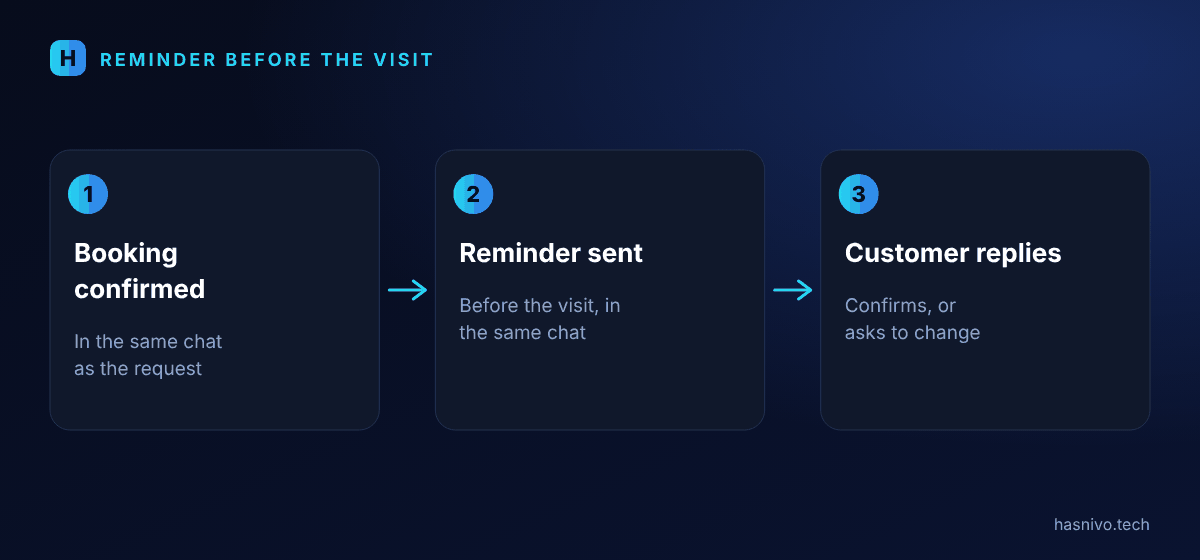
Step 4: Keep your team in control
For anything unusual, your staff take over the chat. The bot does not give medical advice; it answers timings, fees and services from the details you provide.
What details to collect
- The customer's name and contact number.
- The service they want, or the doctor or department for a clinic.
- Their preferred day, then a choice from the free slots.
How to reduce missed appointments
- Send a reminder in the same chat before the visit.
- Make it easy to reply and change the time.
- Keep slot lengths realistic so your schedule does not run late.
Who benefits most
Any business that sells time: clinics, salons, tutors, offices and consultants. If your team spends part of every day agreeing times over chat, automatic booking gives that time back.
Common mistakes
- Showing slots that are not really free, which causes double bookings.
- Leaving no gap between appointments.
- No way for a person to step in when a customer has a special request.
Where to see it
See the pages for clinics and salons. To compare a chatbot with a simple greeting message, read WhatsApp auto reply vs AI chatbot.
- Offer only free slots to avoid double bookings.
- Confirm in the chat and remind before the visit.
- Let staff take over anything unusual.
Frequently asked questions
Can WhatsApp book doctor or salon appointments?
Yes. With a chatbot connected to your number, customers choose a free slot in the chat and receive a confirmation and a reminder.
Does the bot give medical advice?
No. It answers questions about timings, fees and services from the details you provide, and hands medical questions to your staff.
Can my receptionist reply too?
Yes. The whole team shares one inbox on one number.
Keep reading
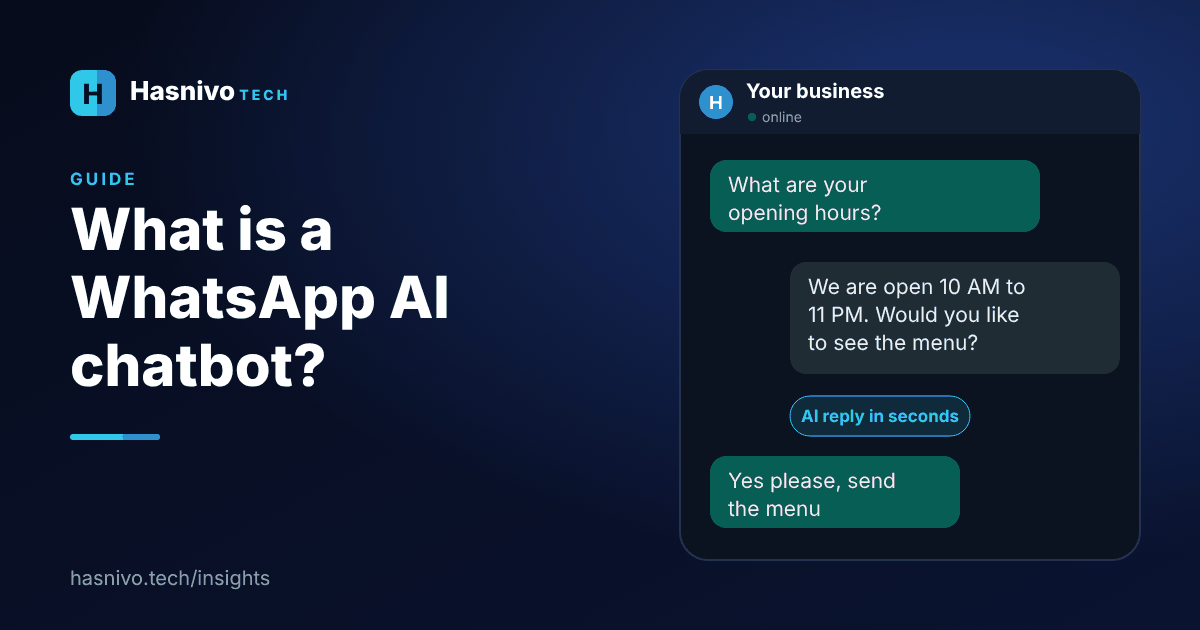 WhatsApp AI chatbot
What Is a WhatsApp AI Chatbot?
A WhatsApp AI chatbot is software connected to your business WhatsApp number. It reads each customer message, replies automatically using your own business information, and hands the chat to a person when needed.
 reply to WhatsApp customers faster
How to Reply to WhatsApp Customers Faster
To reply to WhatsApp customers faster, list your repeat questions, write standard answers, let a chatbot handle them automatically, share one inbox across your team, cover after-hours messages and keep a person ready for the rest.
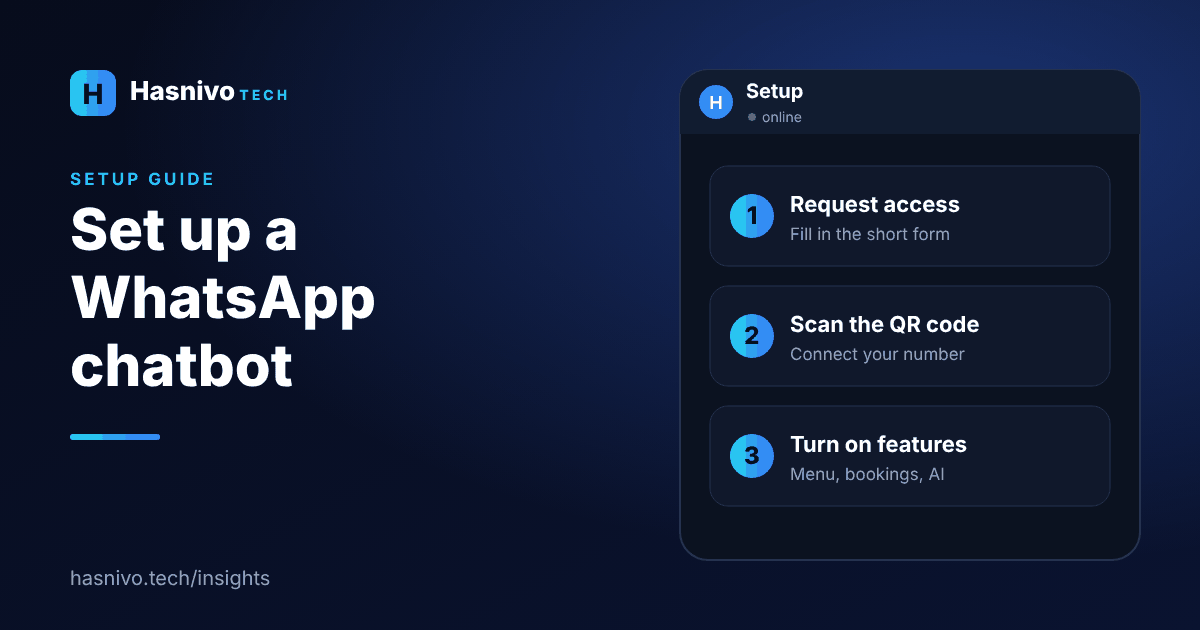 set up a WhatsApp chatbot
How to Set Up a WhatsApp Chatbot for Your Business
To set up a WhatsApp chatbot with Hasnivo: request access with a short form, set your password from the link we send, scan a QR code from your WhatsApp to connect your number, then turn on appointments, your menu or the AI assistant.
Ready to answer every customer on WhatsApp?
Request access and we will set up your account. The bot replies in the language your customer writes in.