Hasnivo Tech / Insights / take food orders on WhatsApp
take food orders on WhatsAppHow to Take Food Orders on WhatsApp Automatically
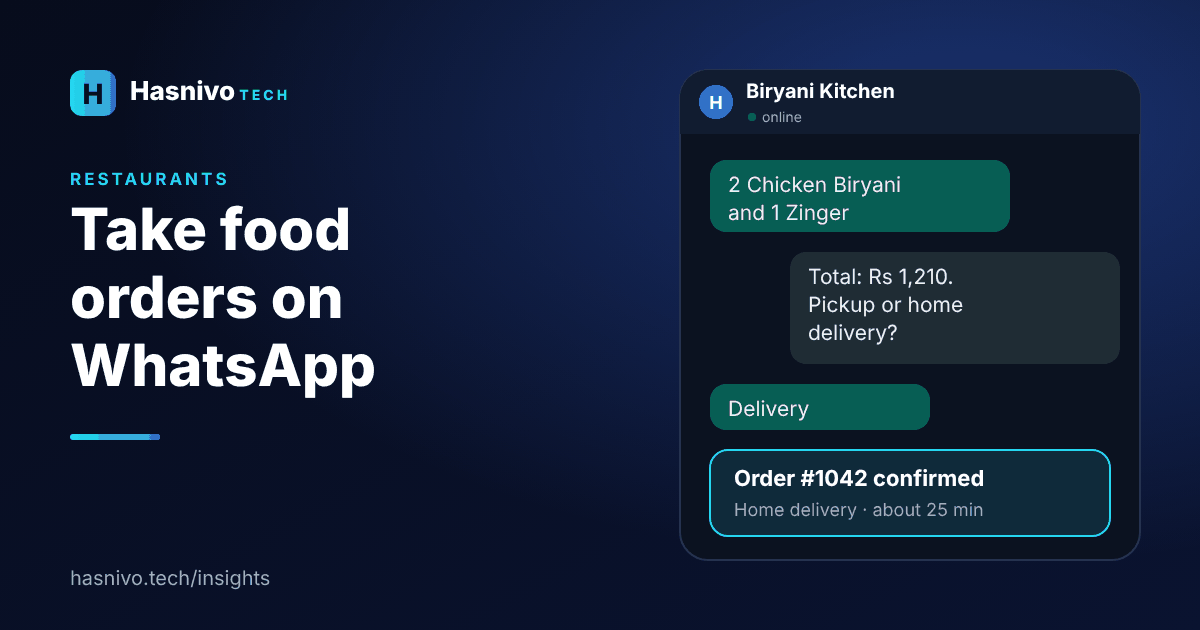
To take food orders on WhatsApp automatically, connect a chatbot to your business number, load your menu by category with prices, and let the bot collect items, quantity, pickup or delivery and the address, then confirm with an order number.
Step 1: Put your menu in order
Group items by category, such as burgers, biryani and drinks, and give each a clear name and price. The bot shows this menu whenever a customer asks for it.
Step 2: Let the bot build the order
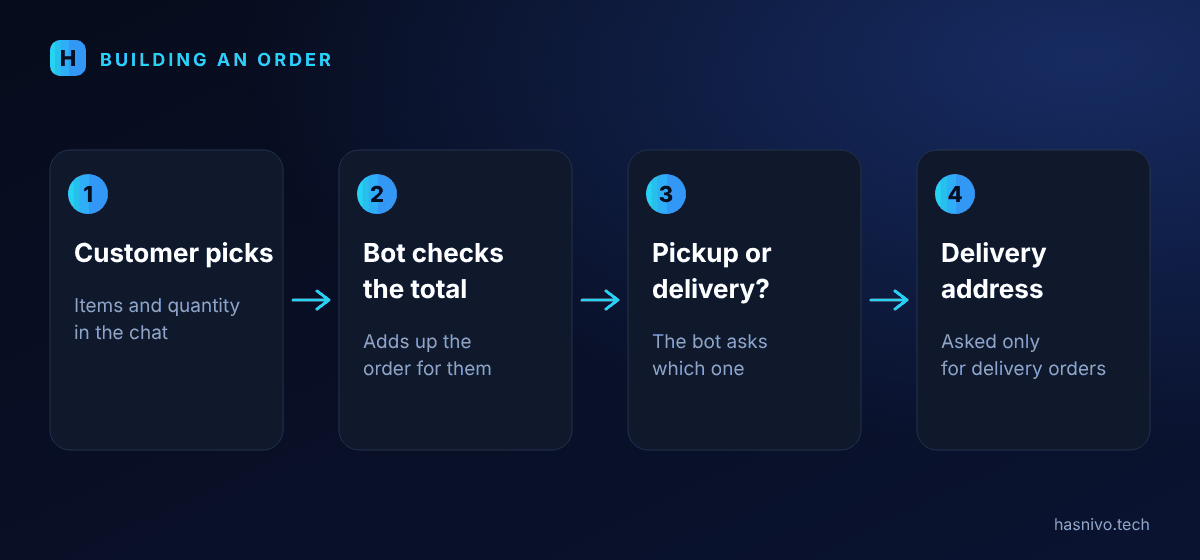
The customer picks items and quantity in the chat. The bot checks the total, then asks whether the order is for pickup or home delivery. For delivery it asks for the address.
Step 3: Confirm with an order number
The customer and your team both receive an order number. Your team sees the order in a shared inbox, so nothing depends on one person's phone.
Step 4: Keep a person ready
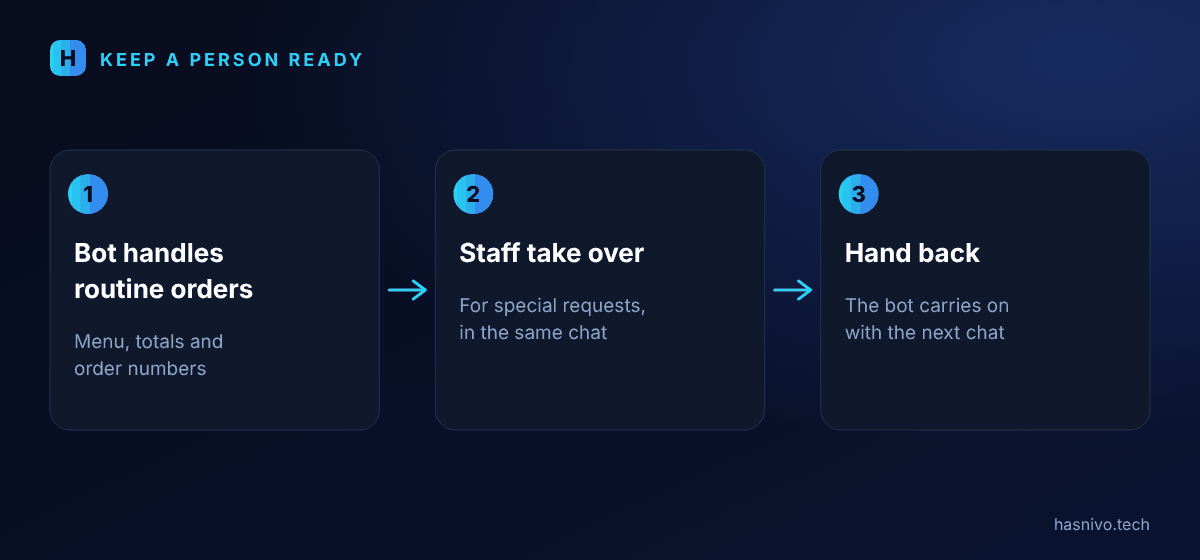
Special requests happen. Your staff can take over any chat and reply personally, then hand it back to the bot.
What to include in your menu
- A clear name and a price for every item.
- Categories, such as burgers, biryani, drinks and desserts.
- Sizes or variants as separate items, so the total is always right.
- Only items you can actually serve right now. Update the menu when something runs out.
What to ask for delivery orders
- The full delivery address and a nearby landmark.
- A contact number the rider can call.
- Your delivery area and delivery charges, stated clearly before the customer confirms.
- The payment method you accept, such as cash on delivery.
Common mistakes to avoid
- Sending the whole menu in one long message. Show it by category.
- Not giving an order number, which makes follow-up confusing.
- No human backup for special requests.
- Forgetting to update prices when they change.
After the order is placed
Your team sees the order in the shared inbox and can reply to the customer in the same chat. You can export your contacts and orders as a CSV file whenever you need them, which helps with daily reports.
What it looks like in practice
See the WhatsApp chatbot for restaurants page for an example conversation. If you are new to chatbots, start with what is a WhatsApp AI chatbot, and when you are ready follow how to set up a WhatsApp chatbot.
- A clear menu with prices is the foundation.
- Ask pickup or delivery before the address.
- Give every order a number the customer and team share.
Frequently asked questions
Can a WhatsApp chatbot take food orders?
Yes. It shows the menu by category, collects items and quantity, asks pickup or delivery, and confirms with an order number.
Do I need a separate number for orders?
No. You can connect your existing business number by scanning a QR code.
Can customers order in Urdu?
Yes. The bot replies in the language the customer writes in.
Keep reading
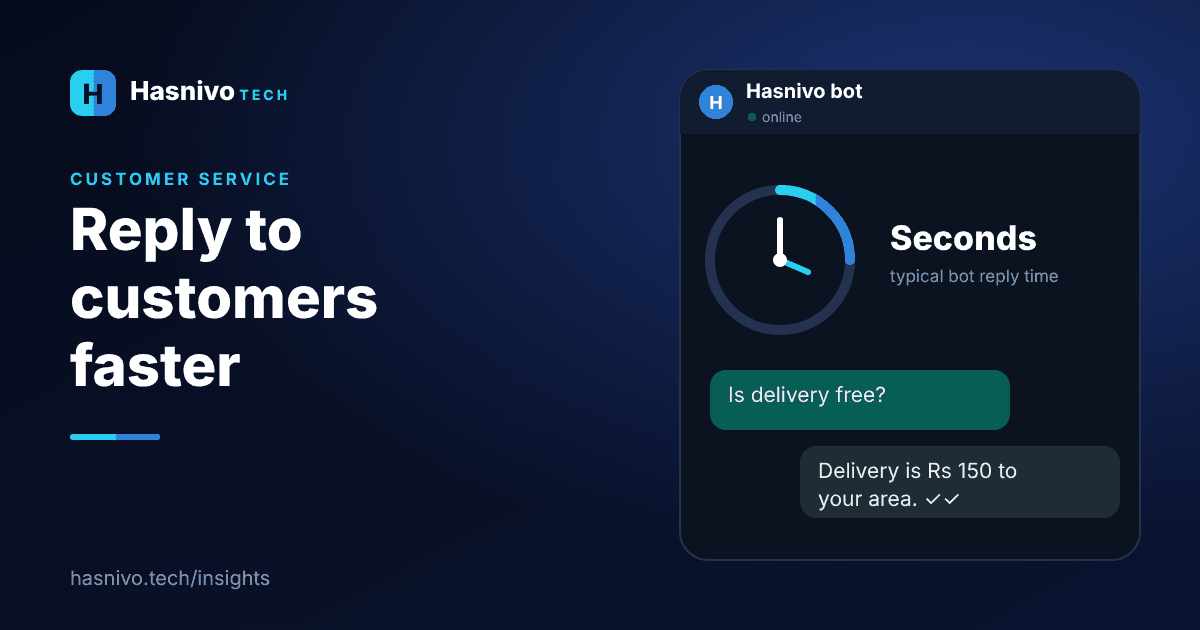 reply to WhatsApp customers faster
How to Reply to WhatsApp Customers Faster
To reply to WhatsApp customers faster, list your repeat questions, write standard answers, let a chatbot handle them automatically, share one inbox across your team, cover after-hours messages and keep a person ready for the rest.
 WhatsApp chatbot cost
WhatsApp Chatbot Cost: What Affects the Price
The price of a WhatsApp chatbot depends on the plan, how many WhatsApp numbers, contacts and messages you need, which features you use and whether you connect through the official Cloud API, where Meta may charge for some message types.
 WhatsApp chatbot for small business Pakistan
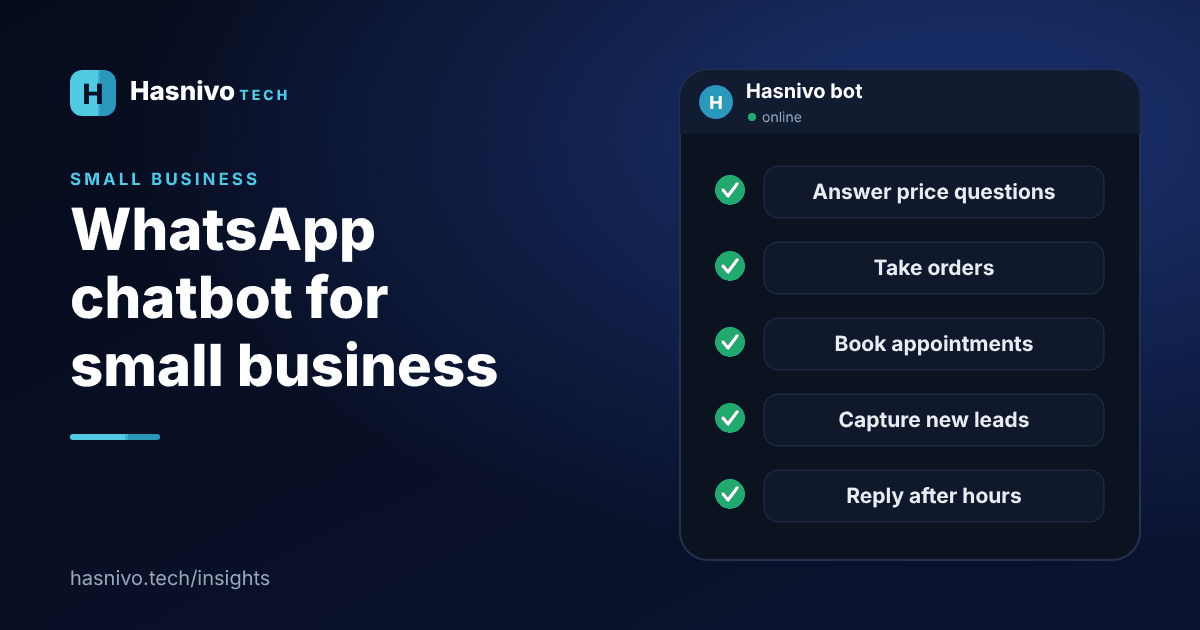
WhatsApp Chatbot for Small Business in Pakistan
Small businesses in Pakistan can use a WhatsApp chatbot to answer price and timing questions, take orders, book appointments, capture leads, send reminders and reply after hours, all on the WhatsApp number customers already use.
Ready to answer every customer on WhatsApp?
Request access and we will set up your account. The bot replies in the language your customer writes in.