Hasnivo Tech / Insights / set up a WhatsApp chatbot
set up a WhatsApp chatbotHow to Set Up a WhatsApp Chatbot for Your Business
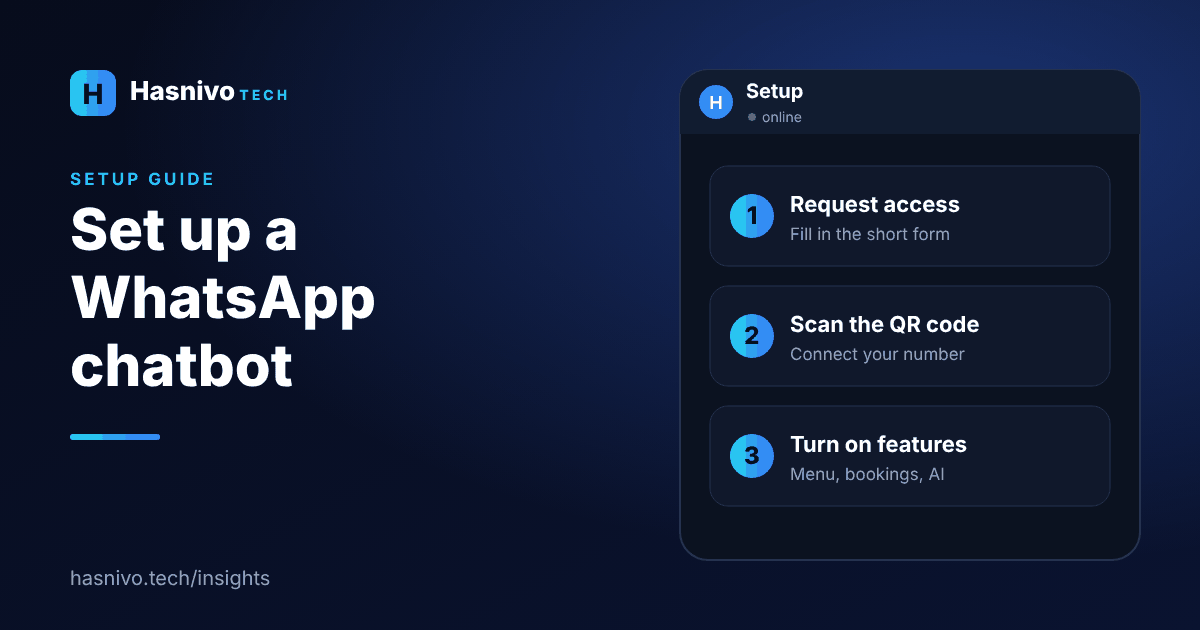
To set up a WhatsApp chatbot with Hasnivo: request access with a short form, set your password from the link we send, scan a QR code from your WhatsApp to connect your number, then turn on appointments, your menu or the AI assistant.
Step 1: Request access
Fill in the short request access form. We create your account and send a link to set your password.
Step 2: Connect your number
Sign in, then scan a QR code from your WhatsApp. This pairs your number in about a minute. The official Cloud API is available on eligible plans, and Meta may charge for some message types on the official platform.
Step 3: Turn on what you need
- Appointments: set working hours and services. See appointment booking on WhatsApp.
- Food menu: add categories, items and prices. See taking food orders on WhatsApp.
- AI assistant: add your services and policies so it can answer questions.
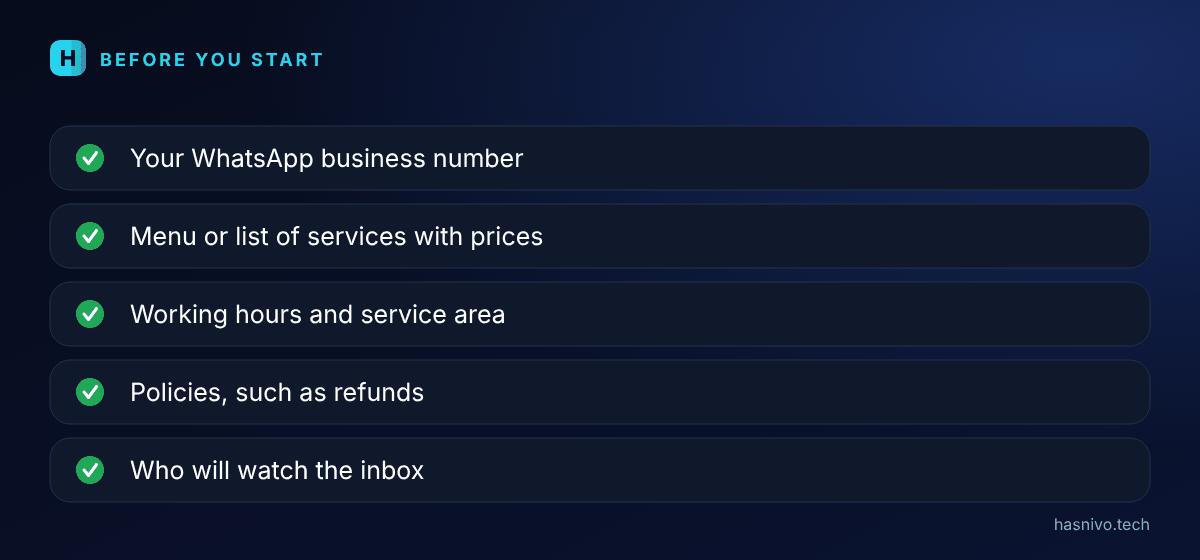
What to prepare before you start
- The WhatsApp business number you want to connect, on a phone with WhatsApp installed.
- Your menu or list of services with prices.
- Your working hours and delivery or service area.
- Your policies, such as refunds or cancellations.
- Who on your team will watch the inbox.
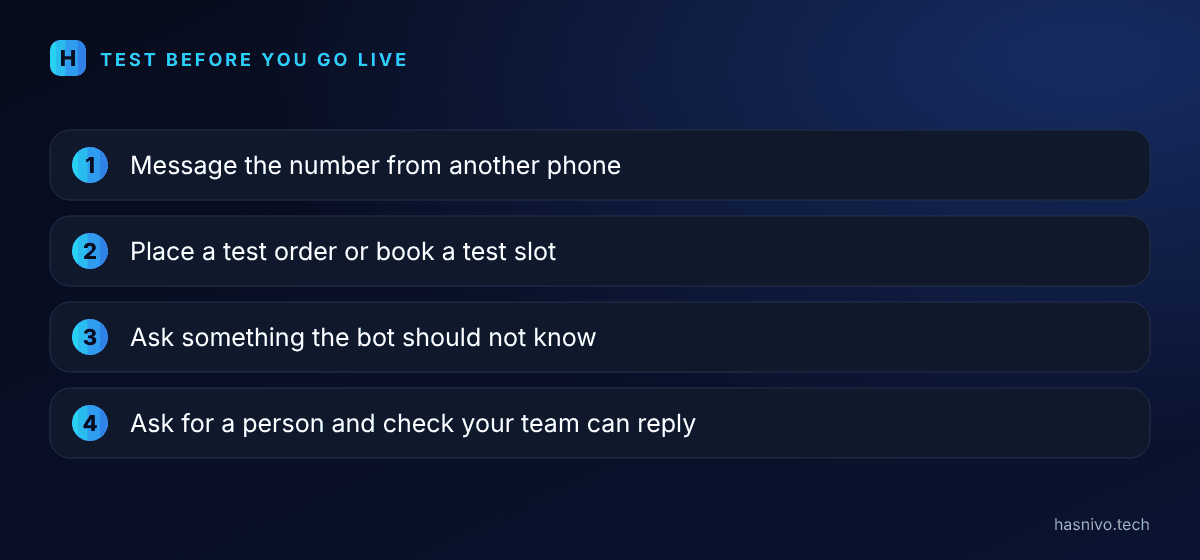
Test before you go live
- Message the number from another phone and ask for the menu or prices.
- Place a test order or book a test appointment.
- Ask something the bot should not know, to see how it responds.
- Ask to speak to a person, and confirm your team can take over.
After you go live
Read a few real chats each week. If customers keep asking something the bot cannot answer, add that information. Small improvements every week make the bot better over time.
Before you start
Decide which question your team answers most, and start there. If you are comparing options, read WhatsApp auto reply vs AI chatbot and WhatsApp chatbot cost. Total setup time depends on your business, so ask our team for a firm estimate.
- Three steps: request access, scan the QR code, turn on features.
- Start with your most repeated question.
- Your team can take over any chat.
Frequently asked questions
How long does it take to connect my number?
Scanning the QR code takes about a minute. The full bot setup depends on your business, so ask our team for an estimate.
Do I need a new SIM or number?
No. You connect the WhatsApp number you already use for your business.
Where do I start?
Use the request access form on the website. We will create your account.
Keep reading
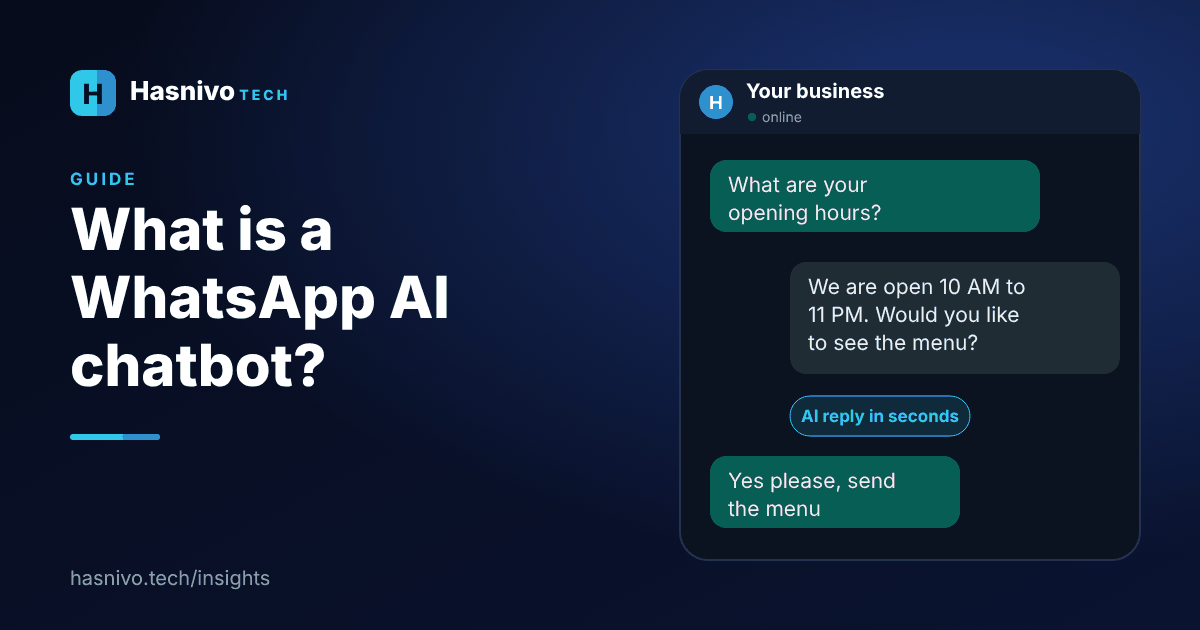 WhatsApp AI chatbot
What Is a WhatsApp AI Chatbot?
A WhatsApp AI chatbot is software connected to your business WhatsApp number. It reads each customer message, replies automatically using your own business information, and hands the chat to a person when needed.
 WhatsApp chatbot cost
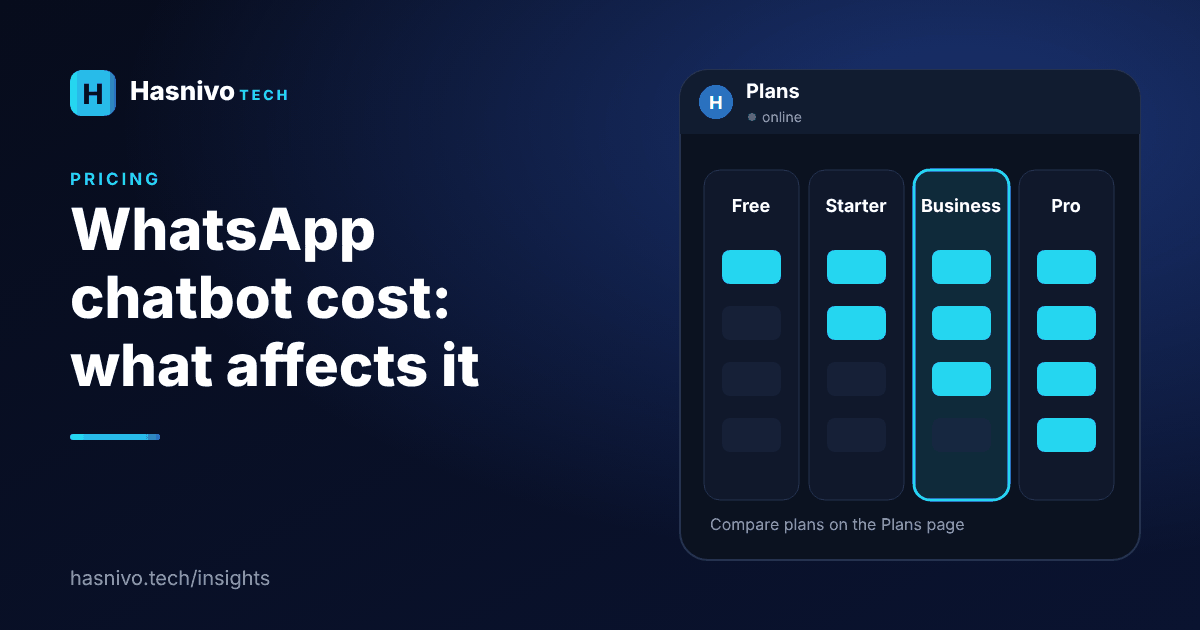
WhatsApp Chatbot Cost: What Affects the Price
The price of a WhatsApp chatbot depends on the plan, how many WhatsApp numbers, contacts and messages you need, which features you use and whether you connect through the official Cloud API, where Meta may charge for some message types.
 WhatsApp auto reply vs chatbot
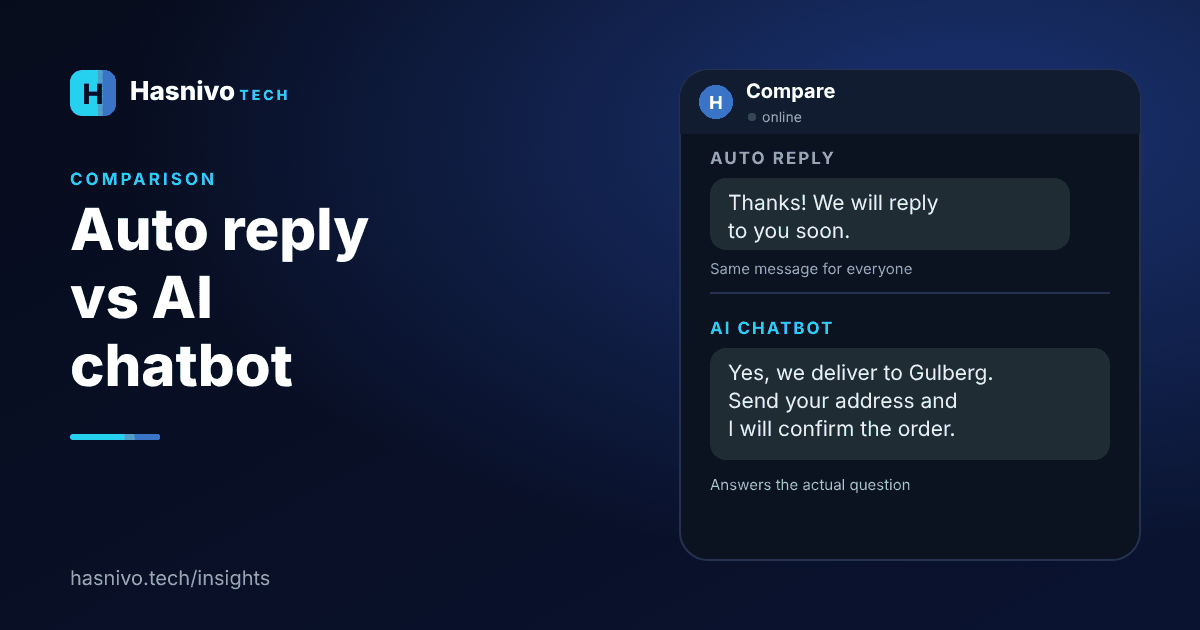
WhatsApp Auto Reply vs AI Chatbot
An auto reply sends the same fixed message to everyone, such as a greeting or an away note. An AI chatbot understands the question and answers it, and can take orders and bookings. Use an auto reply for simple greetings and a chatbot when customers ask varied questions.
Ready to answer every customer on WhatsApp?
Request access and we will set up your account. The bot replies in the language your customer writes in.